X-00 · Private document signing
Private document signing, inside your own building.
Legally evidenced signatures with no subscription, no third-party servers, and no one else holding your signed records.
- Where it runs
- Your building
- Who holds the records
- Your firm
- Sealed with
- Your own certificate
- Subscription
- None
X-01 · Why it exists
Signed records are a firm’s most sensitive records. They belong in its building.
Signing services keep these records on someone else’s servers, and charge for it every month:
- Resolutions
- Loan notes
- Engagement letters
- NDAs
XIGNYX was built from scratch by XIMETIX for its own corporate records. It replaced a third-party signing service in daily use, and it is offered only as a private deployment.
X-02 · How it works
Four steps. Upload, send, sign, seal.
Each step runs on the firm’s own hardware. Signing links go out from the firm’s own mail, and the sealed copy comes back the same way.
-
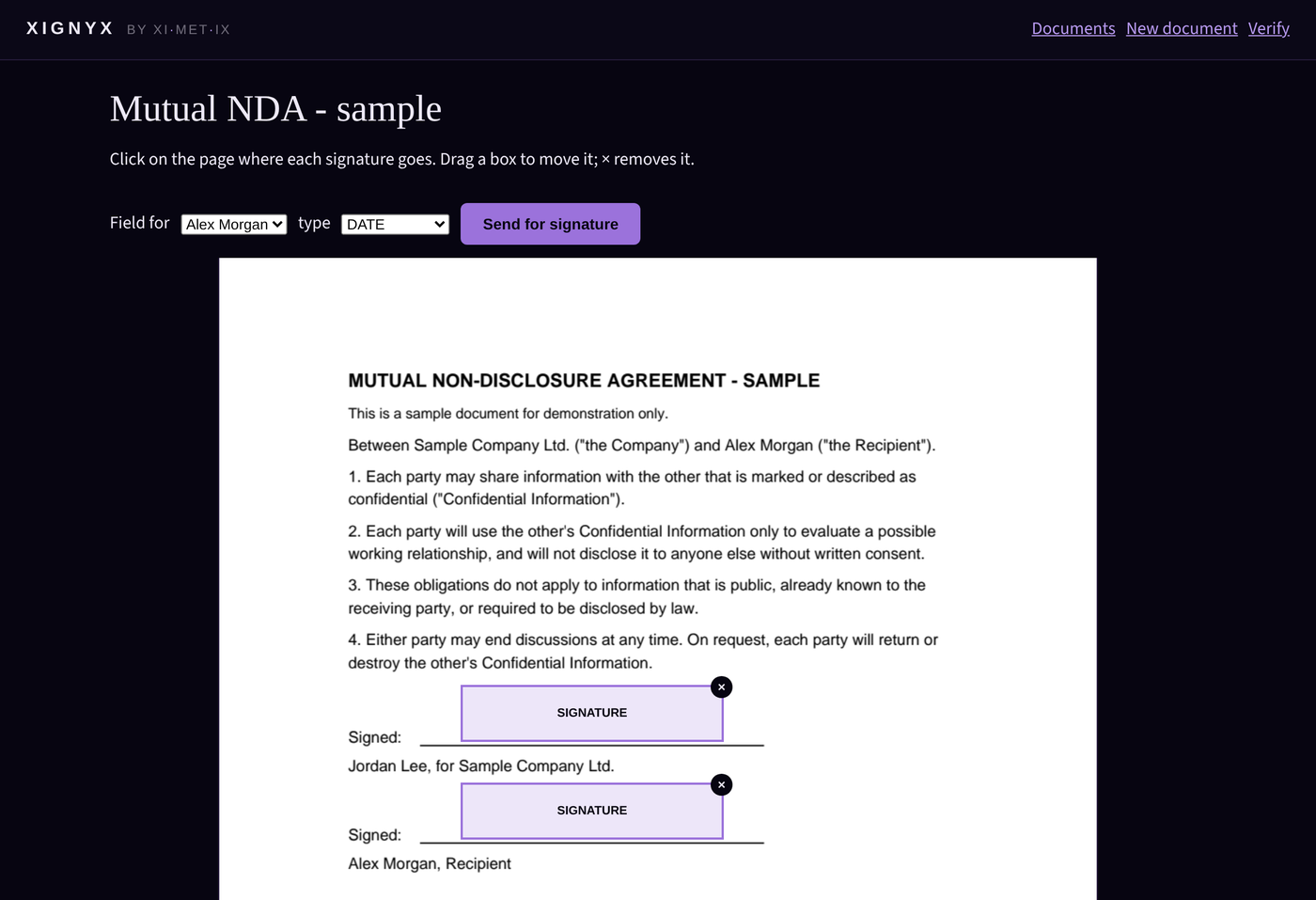
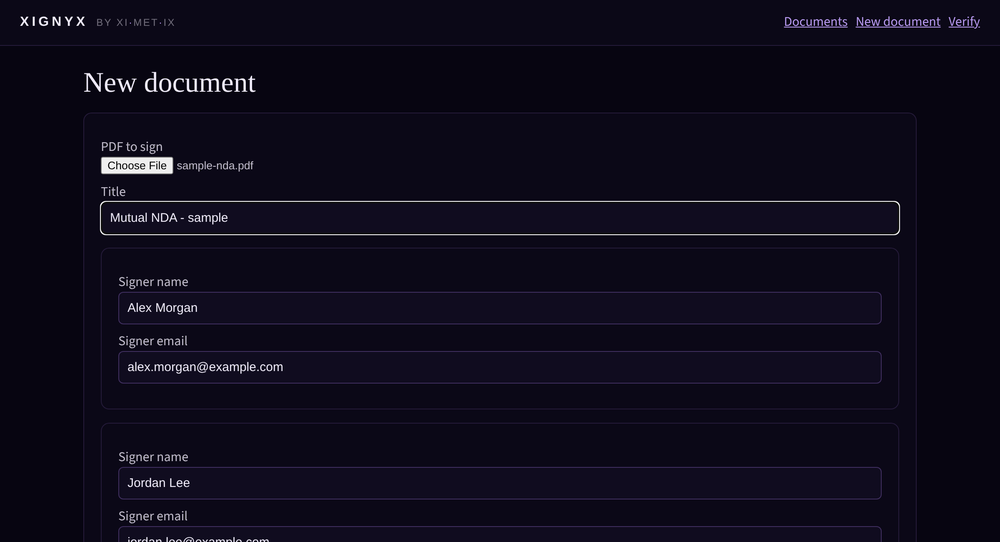 01
Upload
Upload a PDF in the console and click where each signature goes.
-
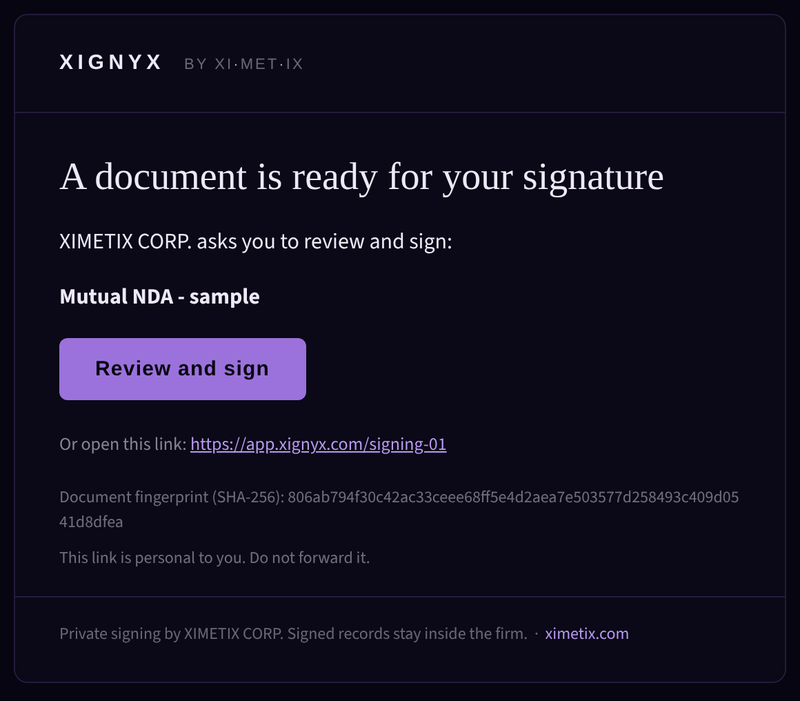 02
Send
XIGNYX emails each signer a personal link from the firm’s own mail.
-
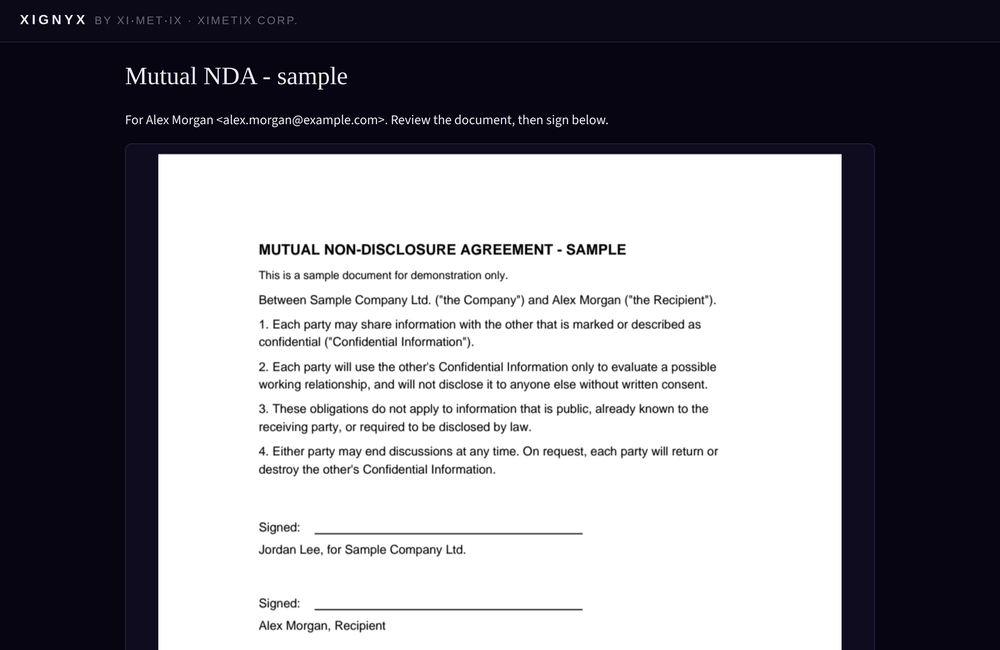 03
Sign
The signer reviews every page, agrees, and draws or types a signature.
-
 04
Seal
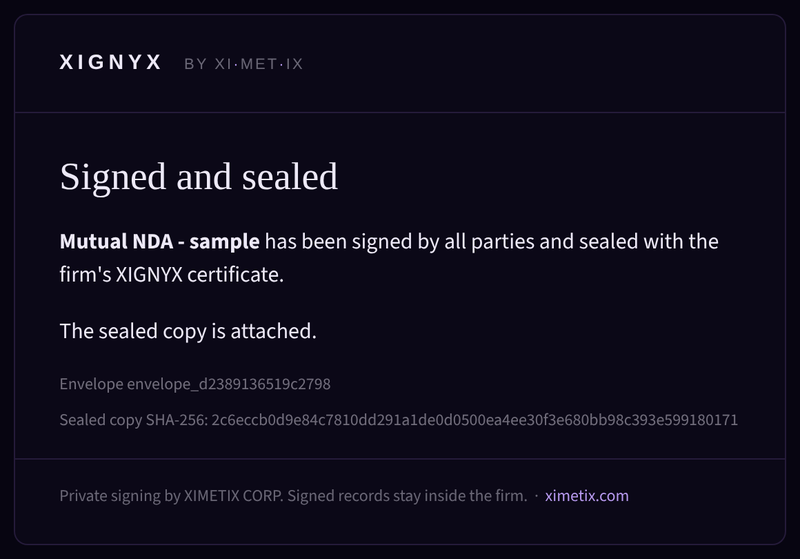
XIGNYX seals the document with the firm’s own certificate and emails the sealed copy.
X-03 · The evidence
Every signature carries its proof. Any later change shows.
What makes a signature hold up is the record around it. XIGNYX writes that record into every document it seals.
“I agree that my electronic signature is the legal equivalent of my handwritten wet-ink signature on this document, that I have reviewed the document, that I intend to sign it, and that I agree to be bound by its terms.”
- Certificate of completionAppended to every document: who signed, when, from which device and address, what they agreed to, and the fingerprints of the original and the signature.
- Audit trailCreated, sent, viewed and signed events, each chained to the one before, so an edited entry shows.
- Digital sealA PDF digital signature from the firm’s own XIGNYX certificate. Any change after sealing is detected.
- VerificationThe firm’s verify page checks a PDF or a whole package and answers VALID or INVALID.
X-04 · Private deployment
Installed for one firm. Shaped to how it works.
XIGNYX is installed and customized for each firm, on the firm’s own hardware, inside its building. There is no free plan and no subscription.
Branding
The firm’s name on the console, the signing page and every email.
Signer verification
Checks on who is signing, set to suit the firm’s documents.
Document templates
The firm’s recurring documents, ready with their signature fields in place.
Connections
Links to the firm’s own systems, so documents can be sent for signature automatically.
Keep every signed record where it belongs.
XIGNYX is installed by XIMETIX, one firm at a time.